Configuring Alerts Manager views
Only admin users can create Global views.
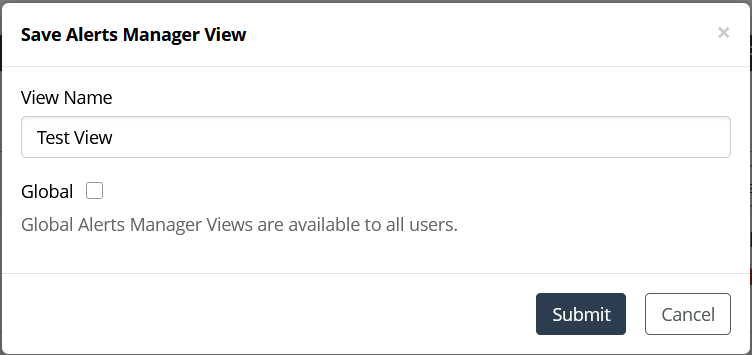
1. After setting up a desired view, click the Save icon to open the Save Alerts Manager View window.
2. Enter a view name.
3. Optionally, select Global if you are an admin, making it available to all users.
4. Submit your changes.
Saving an Alerts Manager view
Delete Alerts Manager views
Use the Delete icon to remove the currently selected view.
Manage Alerts Manager views
Use the Manage Views icon to open a panel listing all saved views, showing their owners and whether they are Global.